When to update macOS - one approach to consider
macOS has been my most stable OS, but no software is perfect. Why I hold major upgrades for months, wait for the first patch on minors, and let other people find the bugs.
An operating system is a big piece of software, and like any big piece of software, things can and will break eventually.
macOS has been one of the most stable operating systems I have ever used. Over the last decade I have rarely touched Windows, and I have moved between Linux and macOS, mostly settling on macOS for longer stretches, both at work and personally. For coding, day-to-day productivity and the way the whole thing fits together with the hardware, macOS has always been the most stable setup I have owned. It just works.
You might be asking whether I am saying nothing ever breaks for me. Not at all. My experience is solid mainly because of three habits:
- Backups. You know, the thing we never need. This is not the focus of this post.
- Dotfiles. Something I might write about another time. There is plenty written on it already. I just like to keep my configuration source-controlled and predictable.
- Delaying major and minor upgrades. The golden rule, pun intended.
The third is the main reason the experience feels so consistent. I avoid being the one finding every issue fresh, and honestly I can not be bothered to have my setup and workflows disturbed just because I am chasing the shiny new version. Which, yes, brings me to the point of this post, and I see what I did there.
The rush
A new macOS release is also a marketing moment, and marketing moments have a way of pushing software out before it is ready. macOS 27 is Golden Gate, which is a great name right up until you remember that a gate is also something you get stuck at. And Apple is not above a rushed first impression: the Liquid Glass launch managed to produce a thumbnail that everyone read as Liquid Ass, a perfect little monument to shipping the pitch before the polish.
The lesson I take from that is not that Apple is uniquely careless. It is that the launch date and the ready date are not always the same day, and nobody is rewarding me for being the one who finds out where the gap is.
Find out before you do
Before I upgrade, I look at what other people are already reporting. Waiting a few months on a major release means the worst of the early breakage has been written about, fixed, or at least explained. I am not skipping the upgrade. I am letting the people who enjoy the bleeding edge do the bleeding.
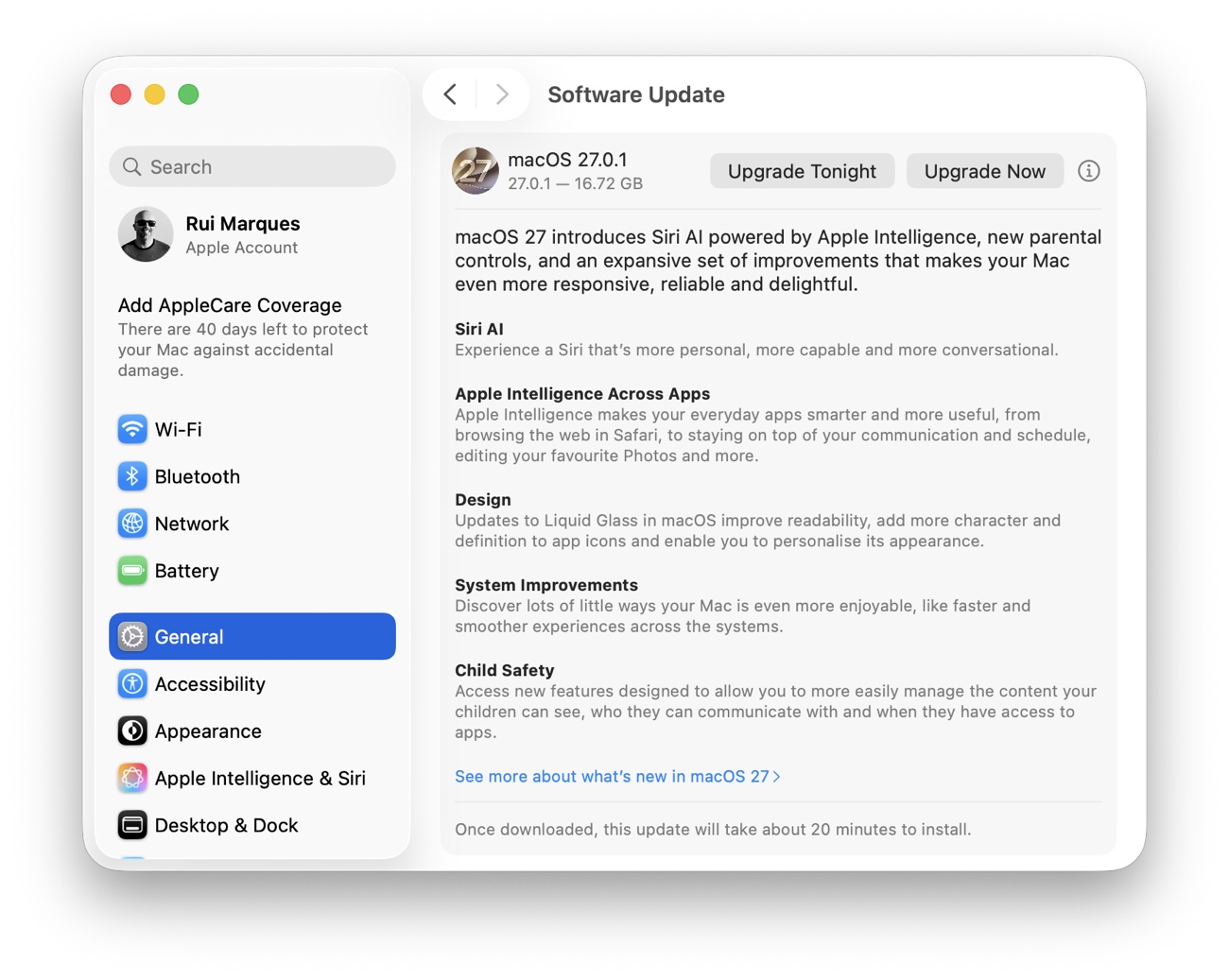
What I actually do
Major versions. I hold them for 2 to 3 months. In that window I read what the community is reporting, usually on the Reddit release threads, and I decide from there. If a release is quiet after a few months, it is a good sign. If it is not, I wait longer. There is no prize for being early.
Minor versions. I wait 2 to 3 weeks, and in most cases I wait for the first patch. Minor releases fix more than they break, but the first patch tends to be where a few new issues get cleaned up.
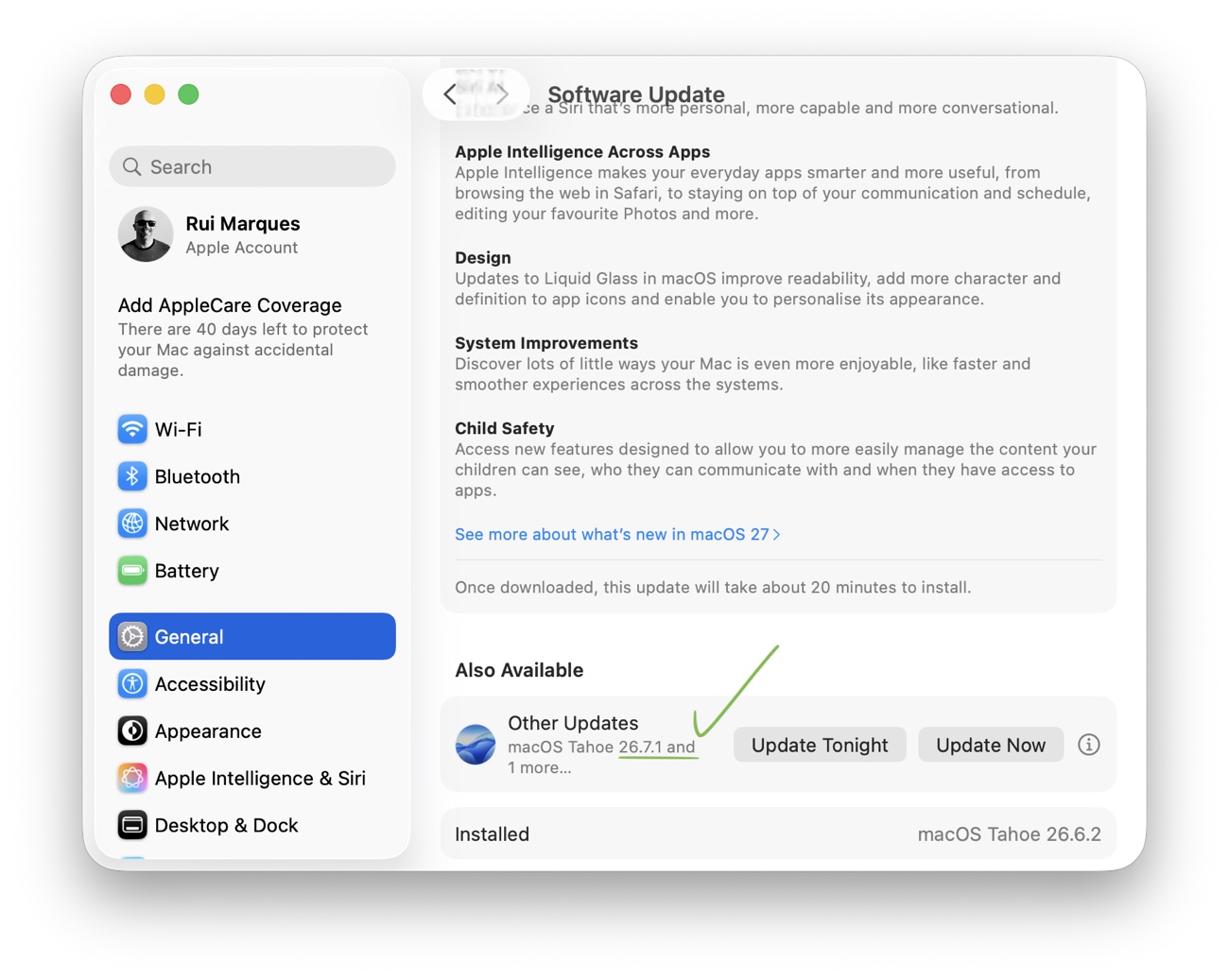
The trade-off
The only real cost is not being first, and the only real benefit is that the machine I depend on keeps working. A release is not a race, and the moment it lands on your machine you are the one who has to live with whatever it brought. Letting a few months pass costs me nothing I will miss. Finding the bugs myself would cost me a working afternoon.
If you want the new features immediately, that is a perfectly good way to work, and this is simply one approach to consider. For a machine you rely on every day, waiting is the cheapest insurance there is.
Comments
Comments are powered by GitHub Discussions. Sign in with a GitHub account to join the conversation.